Choose how you arrive: a welcome, / to search, and faces on every change
Read the full story
Choose how you arrive
The first time you open the entry portal or this AstroLog, a short welcome asks how you’d like to arrive:
- A light. Night Sanctuary, Prism Light, or Stone & Lapis, the three looks from Renan Teixeira’s design proposal, each previewed in its own colors and type. A fourth choice, Follow the day, moves through them: prism by morning, stone by afternoon, sanctuary by night.
- A pace. Still, gentle, or vivid. Still stops everything; gentle lets the marbled ink drift; vivid speeds it up and leaves a trail of prism light behind your pointer. If your device asks for reduced motion, still is chosen for you.
- A contrast. More contrast strengthens text and edges and quiets the ink behind the words.
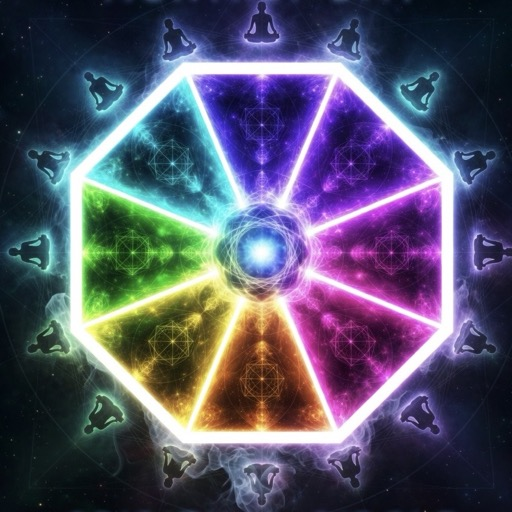
- Cursor effects. A trail of the octagon’s eight colors follows your pointer: faint on gentle, brighter on vivid, where little octagons scatter too. A pointer button beside the pause button in the header (and a switch in the drawer) turns cursor effects off on their own, and they rest whenever motion is still.
The answer is remembered in your browser only, and it carries between the portal and the AstroLog. Escape or “Enter ORG” closes the welcome, and it doesn’t come back.
Press / to search
Press / on any page, or Ctrl K (⌘K on a Mac), and start typing: every changelog entry, every library write-up, the people who made them, the nine doors of orgspirituality.org, and ORG’s Telegram group. Typing light, still or contrast changes the page itself. On the entry portal the same search reaches into this AstroLog. On a phone, tap the magnifier in the header.
The welcome guide
The light and motion drawer in the header (and the ? key) opens an eight-step guide: what each site is, how the changelog differs from the library, how to search, how to pick a light, motion and contrast, who made the changes, where ORG’s community talks, and the way to orgspirituality.org. Each step lights one wedge of an octagon, so a finished tour lights all eight. One space is left empty on purpose: a few words of welcome from Tripp, whenever he’d like to write them.
Faces on every change
Each entry now shows who made it with their picture: the GitHub profile picture when the person has one linked, and an octagon with their initials when they don’t. The same faces appear on the porch and the entry portal.
One kit for every ORG page
All of this comes from one stylesheet and one script, served from the entry portal and loaded by both sites, so they can’t drift apart. The three lights now live there too. The library write-up How ORG’s sites fit together has the map of who holds what.
Also new: a proper not-found page for this AstroLog, which guesses what you were looking for and always leads back.